The Definitive Guide to Cloud
Accounting for Philippine Businesses
In recent years, Filipino companies – from one-person startups to established enterprises – have begun migrating their finance systems online.
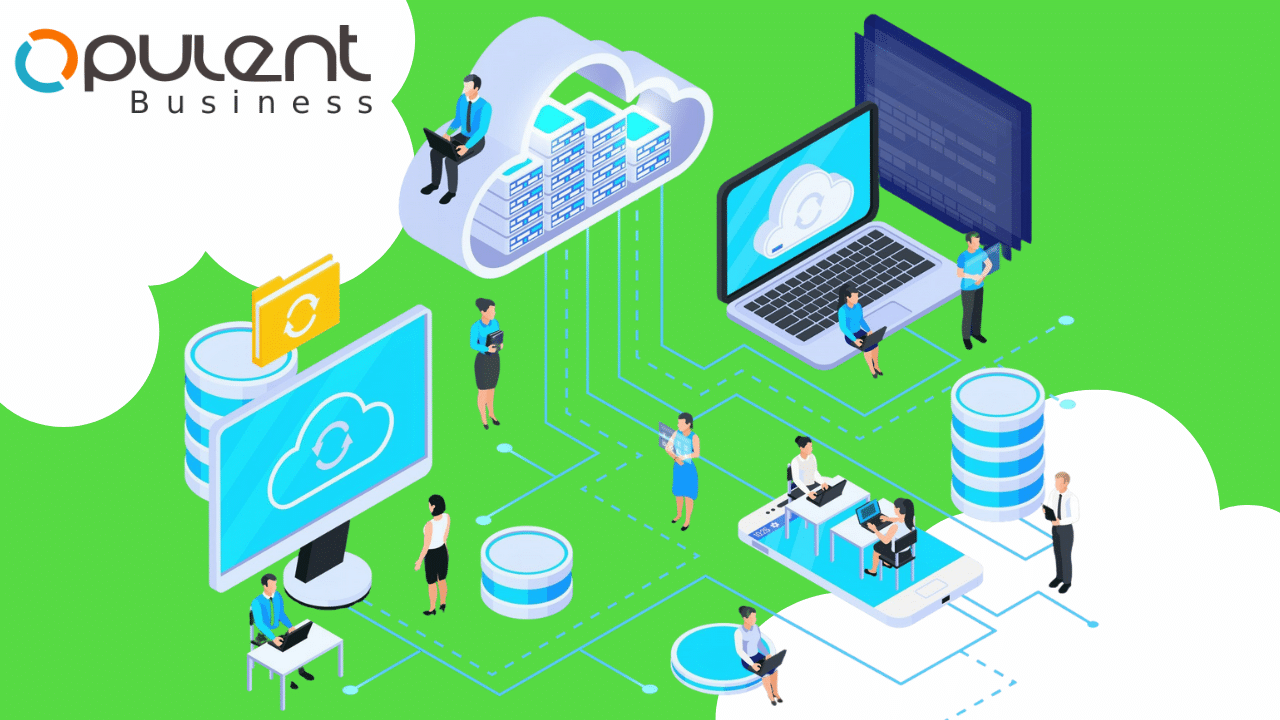
Cloud accounting means your books, invoices, and reports live in the Internet “cloud” instead of a local PC. This shift can boost efficiency: a 2021 survey found that 94% of Philippine businesses saw cloud solutions as crucial during the pandemic. In fact, global analysts predict that 51% of all IT spending will move to public clouds by 2025. Since MSMEs make up 99.51% of Philippine businesses, adopting affordable cloud tools is key to staying competitive. In plain terms, cloud accounting is “software-as-a-service” for finance: you access accounting software via a web browser (often on any device), while the provider handles hosting, backups, and updates.
Cloud accounting offers many practical benefits over traditional ledgers or desktop software:
- Anytime, anywhere access: Because your data is online, you and your accountant can log in from home, the office, or on mobile. A local survey found that 37.5% of businesses cited anywhere-access as a top reason to go cloud.
- Automatic backups & security: The cloud provider automatically backs up your data and protects it against loss. This was the #1 motivator (42%) for Philippine companies adopting cloud accounting. You don’t have to worry about losing files or local PC crashes.
- Real-time data & reports: Your financial reports (cash flow, profit/loss, VAT liability, etc.) update continuously. You can get up-to-the-minute insights for better decisions, instead of waiting for monthly manual closings.
- Collaboration: Multiple users can enter data or review reports simultaneously. For example, your sales team, accountant, and managers can all use the same system without juggling spreadsheets. (About 29% of survey respondents noted collaboration as a benefit.)
- Automation of routine tasks: Invoicing, recurring payments, bank reconciliation and expense tracking can be automated or simplified. This cuts down on data entry errors and saves hours of manual work each month.
- Case study – scaling with cloud: Consider Theo & Philo, a Manila chocolatier. When demand grew 700%, their legacy spreadsheets and desktop software “couldn’t scale.” They switched to a cloud ERP (NetSuite) in 2015, enabling automated workflows and multi-currency invoices for global sales. This kind of scaling and flexibility is exactly what growing MSMEs can achieve with cloud accounting.
Several global platforms serve small businesses, and they all work in the Philippines. For example, QuickBooks Online (by Intuit) boasts 7 million users worldwide, it offers invoicing, bank feeds, and cash-flow tools. Xero has 4.4 million subscribers, with strong unlimited-user and third-party app integrations. Zoho Books is another option, often priced slightly lower, with built-in invoicing and integration into Zoho’s suite.
Key differences for Filipino businesses include pricing, ease of use, and local tax compliance support. For example, OpulentBiz is specifically built for Philippine MSMEs. It’s beginner-friendly and offers one of the most affordable subscription plans in the country — with entry-level pricing under ₱600, significantly lower than most global SaaS platforms. In short, OpulentBiz aims to provide small businesses with a cost-effective, easy-to-use cloud accounting solution that supports local compliance and covers all essential needs.
Local Tax Regulations and Compliance
When choosing cloud accounting in the Philippines, local tax rules are crucial. The BIR has been steadily moving toward e-invoicing and digital records:
- Invoices now mandatory: As of April 2024, the Ease of Paying Taxes Act (EoPT) changed the rules: even services must be invoiced. The BIR’s RR 7-2024 prohibits using manual official receipts for services after April 27, 2024. In practice, this means all sales (goods or services) should generate an official BIR invoice. Traditional receipt books for services will be treated as “failure to issue invoice” and incur penalties. (Existing receipt stock can only be used as supplementary, stamped “not valid for input VAT claim.”)
- E-invoicing mandate: The BIR is rolling out a structured e-invoicing system. Revenue Regulation 11-2025 (issued Feb 2025) requires certain businesses – large taxpayers, those in e-commerce, and others – to issue electronic invoices in the BIR’s structured format by March 14, 2026. These e-invoices must be reported nearly in real time to the BIR. (By 2026, expect all big companies to comply; remaining taxpayers will follow later.) Cloud accounting software can simplify this by formatting and sending invoices electronically as required.
- Online books registration (ORUS): As of 2023, all taxpayers must register their books of accounts through the BIR’s Online Registration and Update System (ORUS), replacing the old practice of manually stamping each ledger. Once books are registered online, a QR code stamp is generated for each book. Cloud accounting automatically maintains digital ledgers, but you still must register them via ORUS. Fortunately, many cloud solutions now integrate with these systems or make it easy to generate the required QR-stamped printouts.
- BIR forms and filing: Cloud accounting packages typically auto-generate financial statements (Balance Sheet, Income Statement) and VAT/GST reports. This speeds up filing your monthly/quarterly tax forms (like VAT declarations, Percentage Tax forms, and Annual ITR). If you’re registered on the BIR eFPS system, you can simply download the required figures from the software instead of manual computation.
In short, cloud accounting helps you stay compliant with Philippine tax laws with far less headache. Instead of scrambling to format reports at period-end, you can rely on built-in tax codes and invoice formats. (Notably, OpulentBiz emphasizes support for PH tax requirements and marketplaces,and BIR e-invoicing will be supported out of the box )
When to Switch: Use Cases and Benefits
Many Filipino businesses moving away from paper or spreadsheets see immediate gains:
- Multi-location retail: A franchise or chain (e.g. sari-sari stores, outlets) can use cloud books to consolidate sales across branches. For example, a small retailer can have cashiers enter sales on tablets in each branch, with the head office instantly seeing combined figures.
- Service SMEs and freelancers: Accountants, lawyers, consultants, or freelancers can invoice clients anywhere, anytime. Instead of creating a PDF invoice in Excel, they just fill a form and email the invoice from the cloud system on the spot.
- Manufacturing/production: Cloud software can track inventory in real time as goods are sold or purchased, reducing stockouts and manual count errors. It can also automate cost of goods sold calculations.
- Accountancy firms: Many Filipino accountants now manage multiple clients entirely in the cloud. They simply log into each client’s account (with permission) to record transactions or review month-end. This eliminates the need for clients to send paper books or USB files.
Overall, firms report time savings and fewer errors. In one survey of Batangas SMEs, respondents who adopted computerized accounting noted high gains in cost-effectiveness and reliability. Manual tasks like keystrokes and physical file transfers fall away. Real-time dashboards mean owners don’t have to wait days for their accountant’s report – they can check their cash flow anytime on a phone.
Real-world example: During the COVID-19 lockdowns, businesses using cloud accounting could continue working remotely. Employees of a services firm could invoice clients and update ledgers from home rather than waiting for the office bookkeeper. In contrast, firms relying on desktop software often found themselves stuck waiting for someone to come in and export data. This resilience has made many Filipino entrepreneurs more willing to try cloud solutions.
Why OpulentBiz Stands Out for MSMEs
With several cloud platforms available, why consider OpulentBiz specifically? Its marketing highlights three advantages for small Philippine companies:
- Affordability: OpulentBiz’s pricing is much lower than typical Western SaaS. For example, its Basic plan is only ₱599/month (roughly $11), while QuickBooks and Xero start around $35–$40/month. Our subscription fee is the most affordable in the Philippines. Lower cost removes the budget barrier for many micro and small entrepreneurs.
- Simplicity & Learning: The software is designed for non-experts. OpulentBiz helps to Master DIY Accounting with extensive knowledge base and engaging video tutorials. In practice, this means a new user can find step-by-step help inside the app (Philippine taxes explained in simple terms, how to issue an invoice, etc.). For a family business or sole proprietor without an accountant on staff, this ease-of-learning is very valuable.
- PH Tax & Local Focus: OpulentBiz explicitly targets Filipino MSMEs. It has built-in support for local needs (BIR-compliant invoices, multi-currency handling for overseas sales, etc.). In contrast, generic software may require workarounds to fit PH tax rules. Using OpulentBiz means you get a system tested in local SMEs, with Filipino support teams who understand local accounting practices.
- Features for SMEs: Even the basic plan offers unlimited invoicing, expense tracking, and auto-generated financial statements (For example, the Basic plan allows unlimited invoices and receipts at just ₱599/month.) Higher plans add stock/inventory control and budgeting features as needed. In every tier, features are scalable so a growing business can simply upgrade plans without switching systems.
In short, for Philippine small businesses the choice often comes down to balancing cost with usability. With OpulentBiz you don’t need to sacrifice quality – you can have an easy, compliant cloud accounting tool without paying hundreds of dollars per year. (As already mentioned, OpulentBiz’s entry plan has “the most affordable subscription fee in the Philippines”)
Getting Started: Embrace the Cloud and Go Digital
Switching to cloud accounting involves a few simple steps:
- Choose a provider dependig upon how well they can suport your business needs.
- Import existing data – many cloud platforms can import past invoices or a chart of accounts from Excel or a desktop system.
- Set up BIR information: Enter your company’s tax ID, register the system with your local RDO (if needed), and generate your ORUS-registered books.
- Train your team: Take advantage of video tutorials or online help so staff learn the system quickly.
- Start transacting: Begin entering invoices, bills, and expenses in the cloud. The software will keep financials updated.
Over time, you’ll notice real benefits: faster invoicing and payments, instant tax reports, and the freedom to run the business from anywhere. As one Philippine accountant put it, “[Cloud accounting] automates process flows and checks and balances,” greatly reducing audit risk netsuite.com.
Ready to take the leap? Cloud accounting can transform how your business manages money – reducing manual work and improving accuracy. For a Philippines-focused solution, OpulentBiz offers a free trial and product demo. Whether you’re a sari-sari store owner or a growing startup, exploring cloud-based accounting could be your next smart business move.